Is Your Website Built for K-12 Buyers?
K-12 buyers look for proof, compliance, funding fit, implementation clarity, and role-specific messaging. Use this checklist to make your EdTech website easier for school districts to trust.
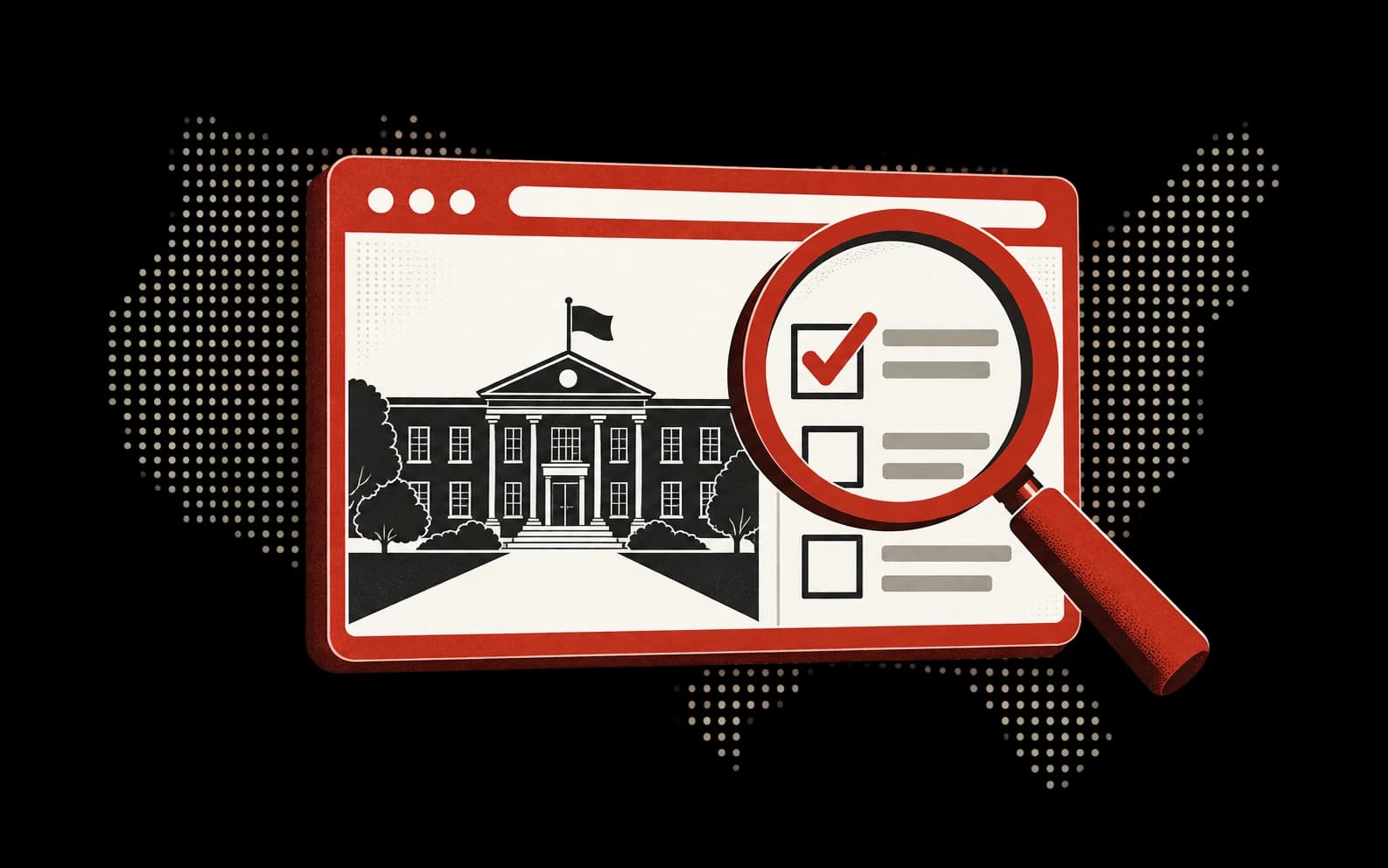
Most EdTech websites are built for investors, not school district buyers.
They describe the product, show a few screenshots, make broad claims about outcomes, and ask for a demo. That can work when the buyer already understands the category. It falls apart when a superintendent, curriculum director, CTO, CFO, or principal is trying to answer a more practical question:
Can I trust this enough to bring it into my district?
What K-12 Buyers Look For on a Website
School district buyers scan for different proof than ordinary SaaS buyers.
They want to know:
- Which role or problem is this actually for?
- What grade bands, school types, or district sizes does it fit?
- What outcomes does it affect?
- Is there evidence, not just enthusiasm?
- Is it safe for students and compliant with privacy expectations?
- How hard is implementation?
- What funding source can pay for it?
- Who else like us has used it?
- What happens after the demo?
If your website does not answer those questions, the buyer may not reject you. They may simply postpone you.
The Seven-Part K-12 Website Audit
1. Buyer Clarity
Your homepage should make the buyer obvious.
Weak: "Transform learning with AI-powered insights."
Stronger: "For curriculum teams trying to identify which middle schools need reading intervention before budget season."
K-12 buyers need to see themselves. Generic category language slows them down.
2. District Problem Fit
Tie your product to visible district problems:
- Chronic absenteeism.
- Reading mandates.
- AI governance.
- Staffing shortages.
- Cybersecurity risk.
- Transportation inefficiency.
- Special education compliance.
- Family engagement.
- Device refresh and infrastructure planning.
The more your website uses the district's language, the easier it is for buyers to route you internally.
3. Evidence and Outcomes
K-12 buyers care about outcomes, but they also care about defensibility. They may need to justify a purchase to cabinet, procurement, a grant reviewer, or the board.
Add:
- Case studies with district context.
- Before and after metrics.
- Implementation timelines.
- Research or ESSA evidence where applicable.
- Quotes from role-relevant buyers.
- Clear claims with plain-language caveats.
Do not bury proof in a PDF no one will find.
4. Privacy, Security, and Compliance
If students touch the product, privacy cannot be a footer link only.
Make the trust path visible:
- FERPA/COPPA/student-data posture.
- Data retention.
- Security review process.
- Approved integrations.
- Accessibility.
- AI data-use policy if applicable.
- Whether student data is used to train models.
Even if the buyer loves the product, IT or legal can block the purchase.
5. Funding and Procurement
District buyers often need help understanding how to pay for a product.
Useful website sections include:
- "How districts fund this."
- Grant alignment.
- Title I, Title II-A, Title IV-A, IDEA, E-Rate, Perkins, or state-specific fit where relevant.
- Cooperative purchasing availability.
- Procurement documents.
- Implementation packages that match budget thresholds.
If you make the funding path easier, you make the internal sale easier.
6. Role-Specific Routes
A superintendent, CTO, curriculum director, CFO, and principal should not all land on the same story.
Build sections or pages by role:
- For superintendents: strategic priorities and board-ready outcomes.
- For CTOs: security, integration, data, uptime.
- For curriculum leaders: standards, implementation, teacher adoption.
- For CFOs: cost, funding, procurement, renewals.
- For principals: workflow, adoption, daily usefulness.
This also creates SEO pages for long-tail queries.
7. Next Step
"Book a demo" is fine, but it is not always the right first step.
Offer lower-friction actions:
- Download an evaluation checklist.
- Get a funding-fit review.
- Compare district readiness.
- See example implementation plans.
- Audit your website for K-12 buyer readiness.
That is why we built the K-12 Buyer Website Audit.
Quick Scorecard
Give your site one point for each:
- The homepage names a specific K-12 buyer or use case.
- The product value is tied to a district-level priority.
- There is visible evidence or proof.
- Privacy and compliance are easy to find.
- Funding or procurement is addressed.
- There are pages or sections by buyer role.
- The CTA includes a lower-friction option than a demo.
- Your strongest claims are specific enough for a buyer to repeat internally.
Six or more is solid. Three to five means the site may be interesting but hard to buy. Under three means the site is probably creating unnecessary friction.
Use the Free Audit
Bellwork's free K-12 Buyer Website Audit reviews your public site from a school district buyer's perspective: buyer clarity, evidence, compliance, funding fit, role-specific messaging, and next-step friction.